Woo Commerce Integration Guide
1. Download Woocommerce plugin for WEBXPAY from the following link.
Download2. Navigate to Plugins menu on your Wordpress Dashboard and Click "Add Plugin" Button.
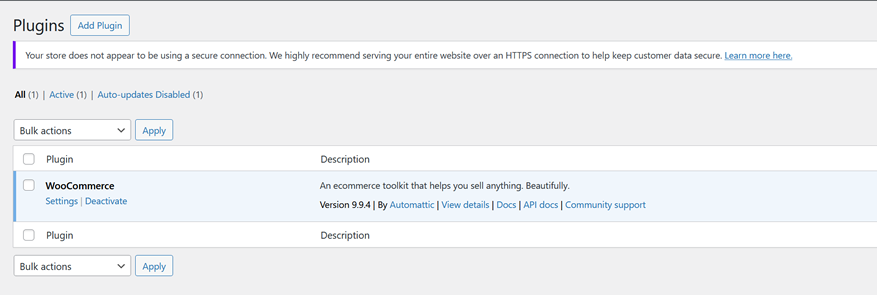
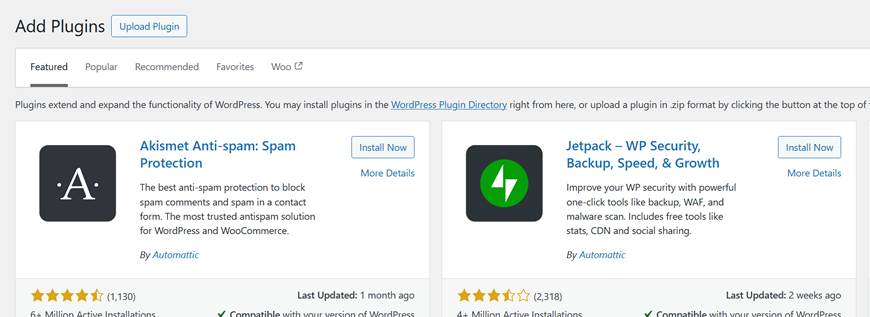
3. Click "Upload Plugin" button and select the previously downloaded WEBXPAY Woo Commerce Plugin.

Once install and activate you can see as below on plugins page.

4.Navigate to Woocommerce Menu and select Settings.
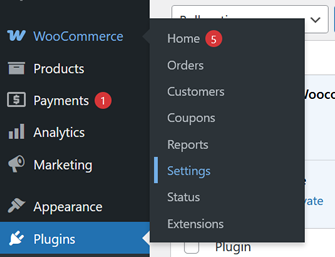
Navigate to Payments Tab.
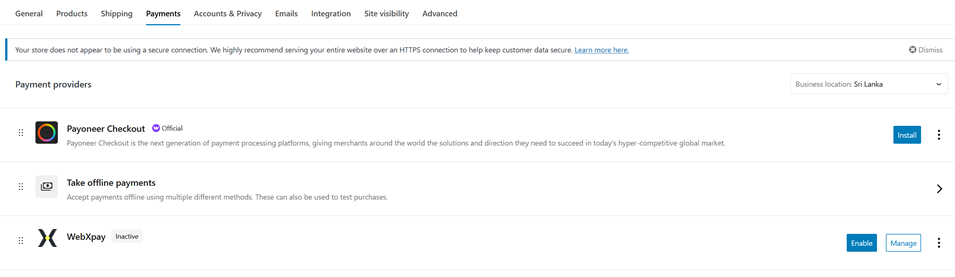
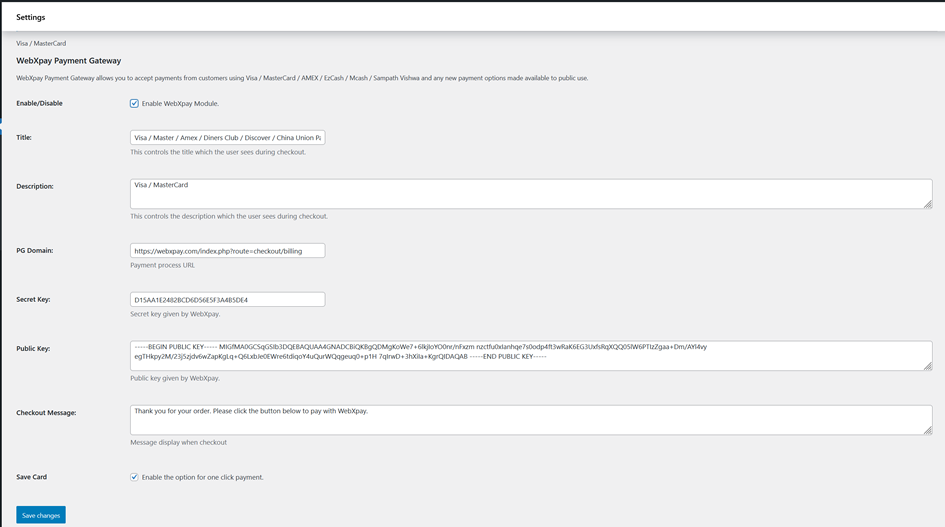
Click "Enable" button on Webxpay Plugin and then Click "Manage" Button to Configure Plugin.
➤ Click and Check "Enable WebXpay Module" checkbox if its not Checked.
➤ Change the Public and Secret Keys.[You can find these unique keys on your WEBXPAY Merchant Portal]
➤ If You wish to give customers to save their cards for later checkouts for one click payments,Please check "Save Card"Checkbox.