Shopify Integration Guide
1. Access WEBXPAY shopify plugin from the following link.
DownloadAdd the plugin to your Shopify account.
2. Install the app.

...............

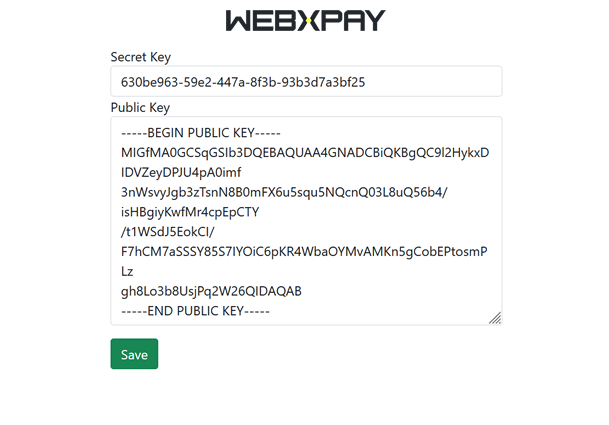
3. Click manage to provide the public and secret keys from your WEBXPAY account and save.
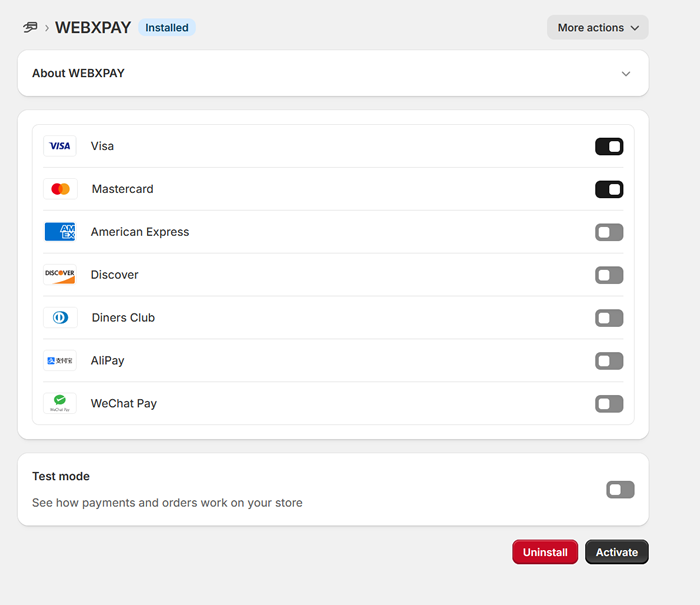
4. You can Enable/Disable the payment methods on Manage page and can Enable the Test mode also.